

SALE | LUT BUNDLE 70% OFF
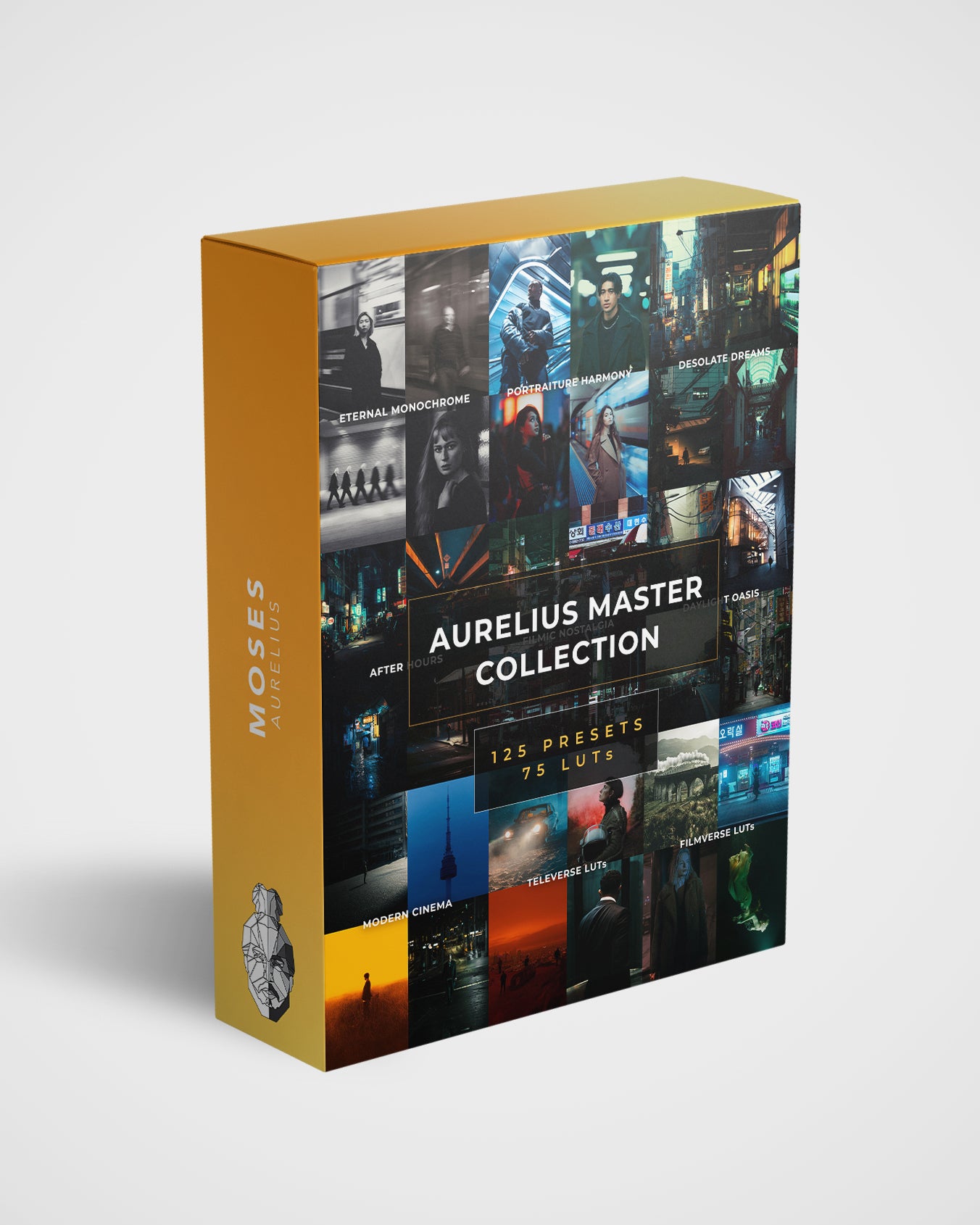
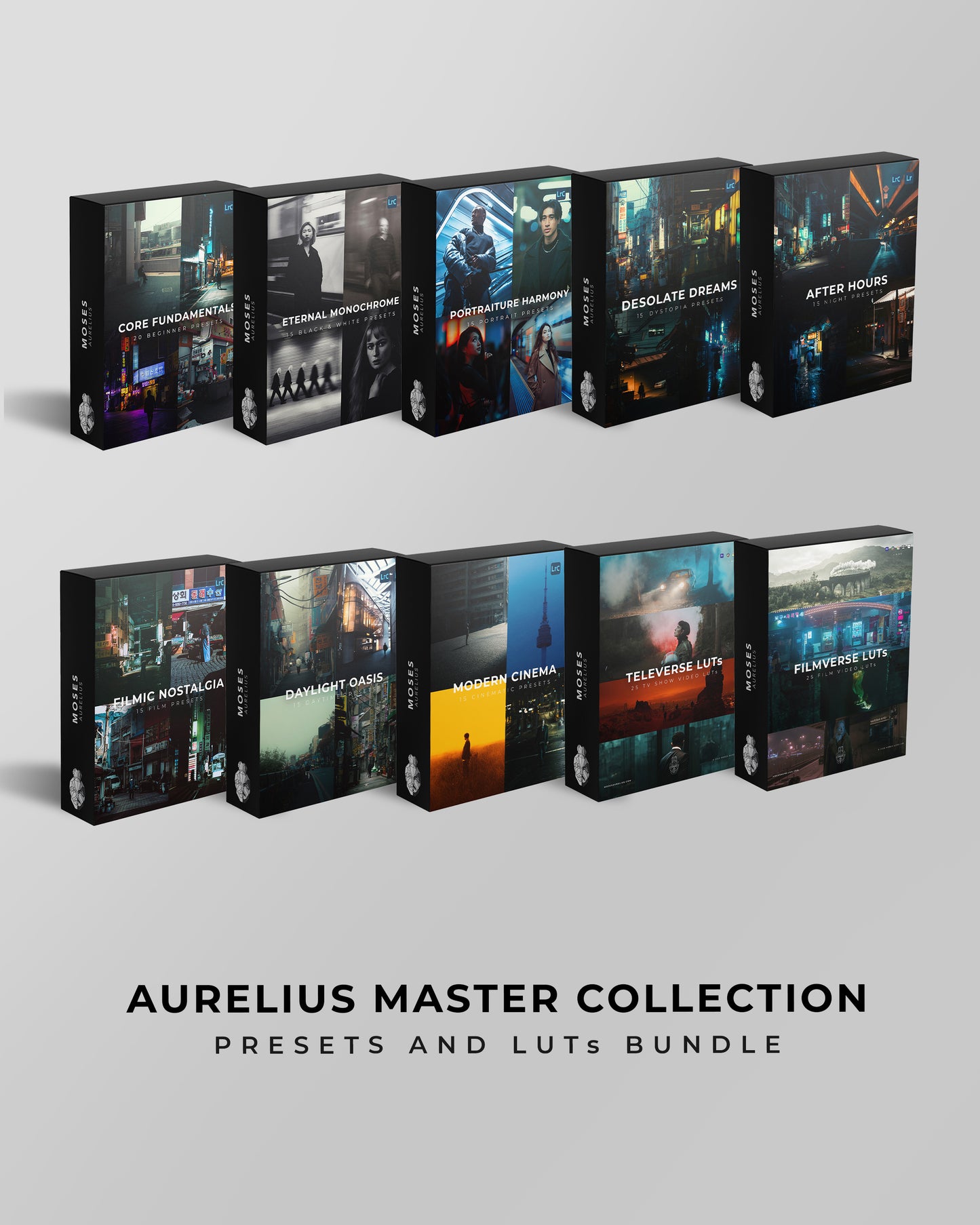
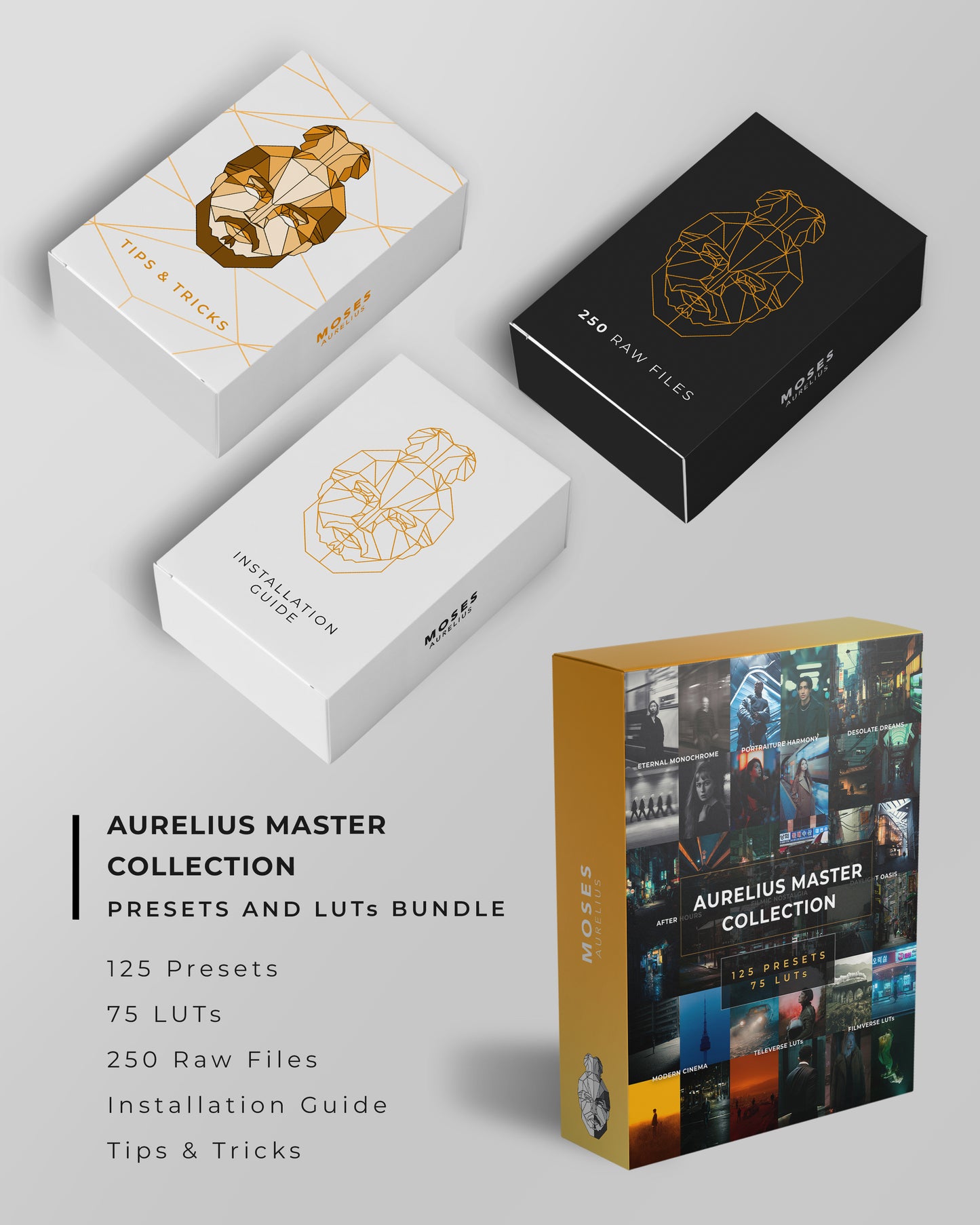
Aurelius Master Collection - 125 Presets & 75 LUTs (LUT Upsell)
Aurelius Master Collection - 125 Presets & 75 LUTs (LUT Upsell)
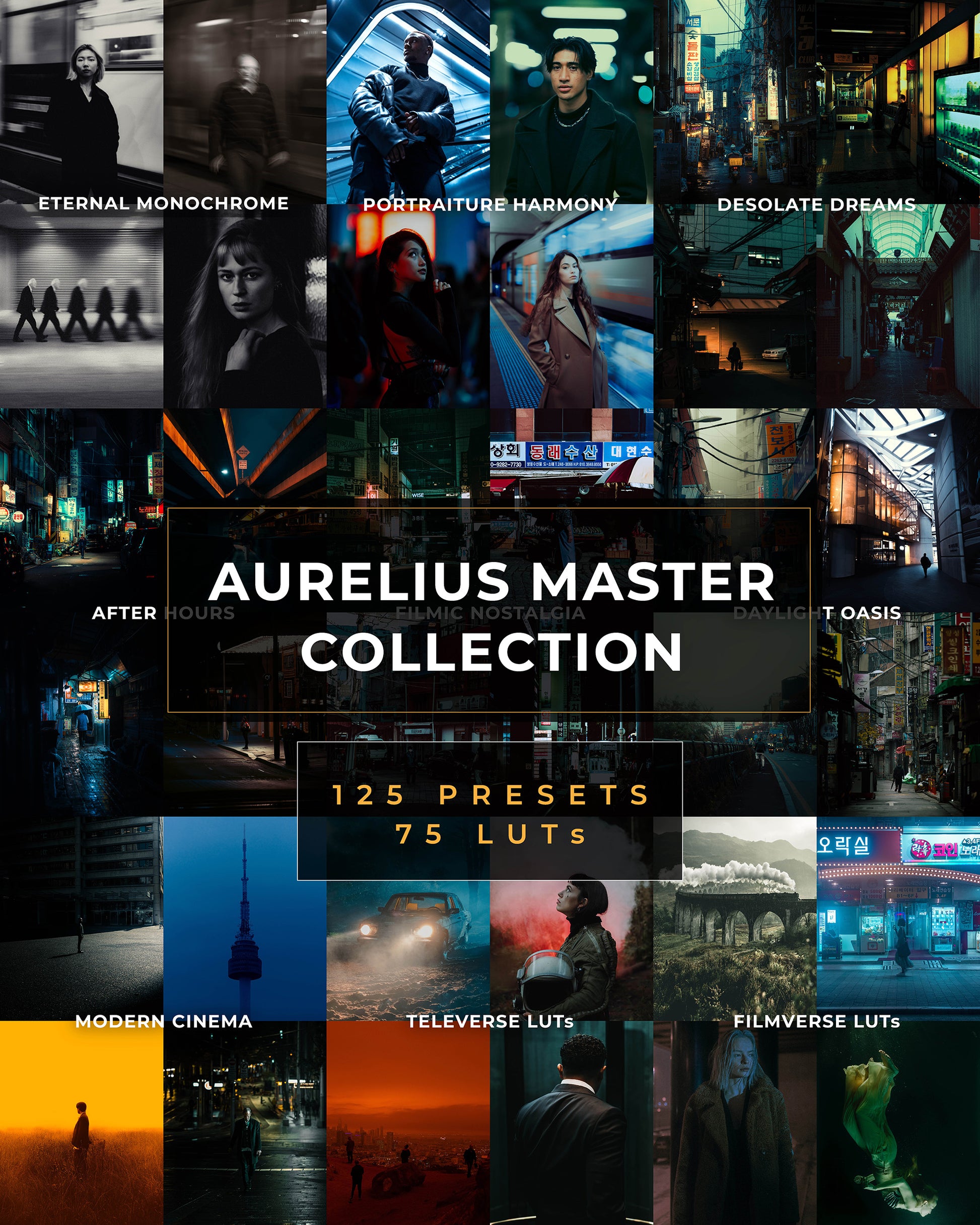
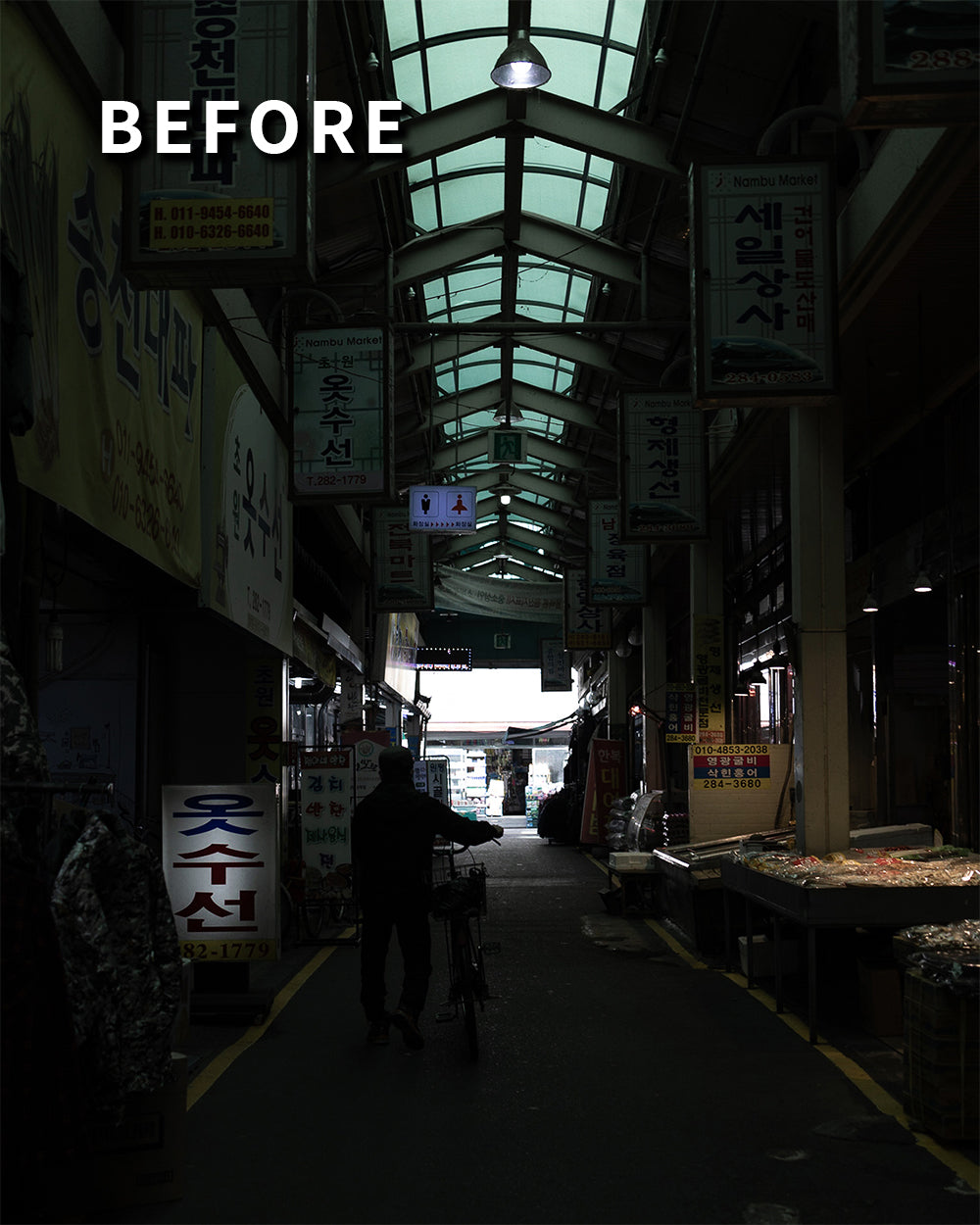
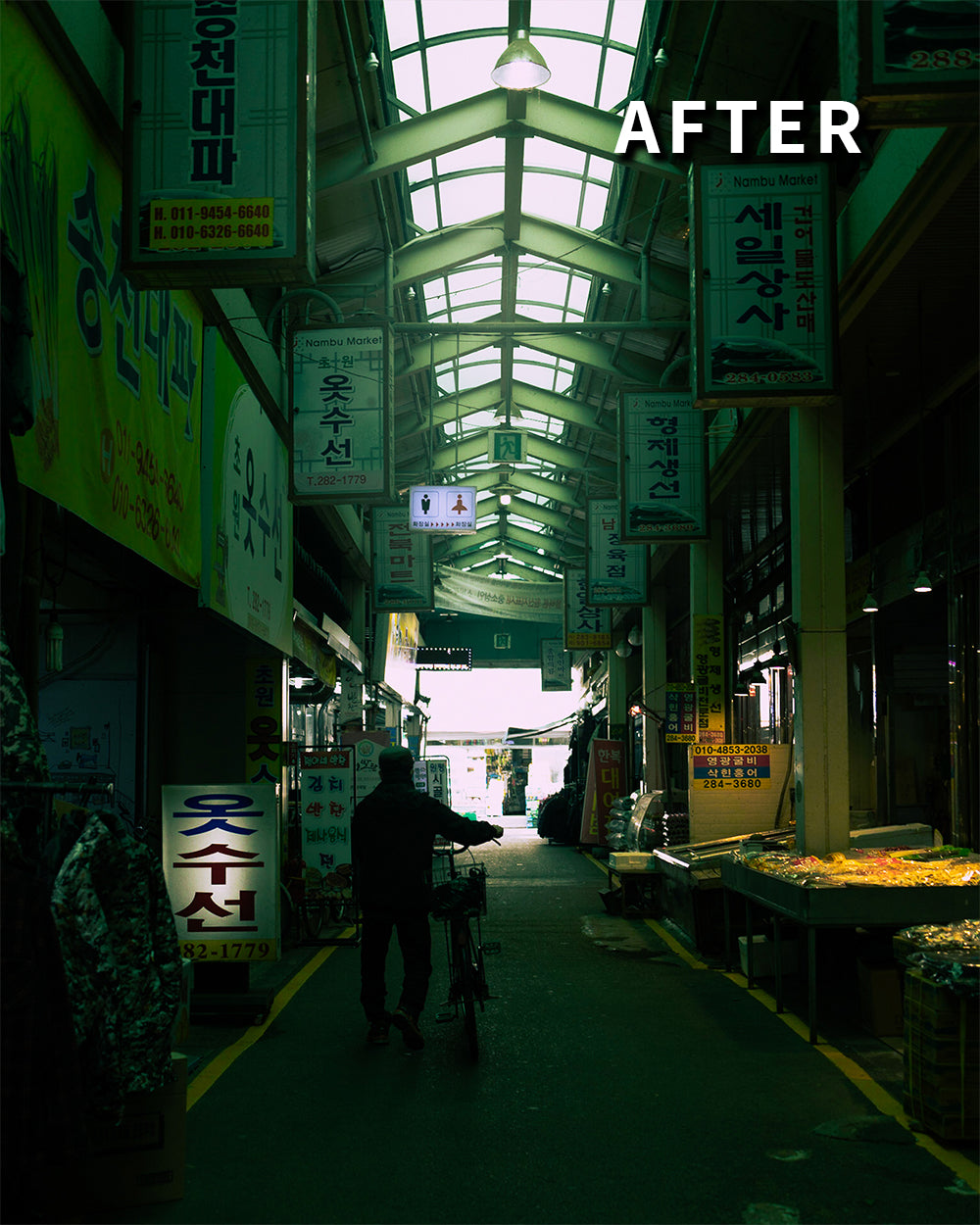
Unleash the creator within with the Aurelius Master Collection – a complete set of Lightroom Presets for photos and LUTs for video, designed to elevate your everyday edits.
 Gain new followers with cinematic edits
 Speed up your editing workflow
 LUTs from all your favourite movies
 Bonus #1: Tips & tricks + Installation guide
Couldn't load pickup availability
Sale | Bundles 70%+ OFF
The LUTs
FAQs
What are LUTs?
What are LUTs?
LUTs (or Look-Up Tables) are a powerful tool for color grading in video production. They allow you to apply already configured color grades with just one click, achieving a specific look or style.
LUTs are a convenient and efficient way to achieve consistent and professional-looking color grading, and they can be easily applied using most video editing software programs.
What programs are compatible with LUTs?
What programs are compatible with LUTs?
Most professional video editing software and some photo editing software support LUTs.
These include Adobe Premiere Pro, Adobe Premier Rush, Final Cut X, DaVinci Resolve,
CapCut for Desktop, Photoshop, and any other software that utilises 3D LUTs (.cubefiles).
These LUTs are NOT compatible with Lightroom CC, Classic or Mobile.
Do they work on mobile?
Do they work on mobile?
Yes. Our LUTs come in .cube format, which is supported by most mobile video editing apps such as VN, inShot and LumaFusion. Please check whether your specific video editing app can import .cube files before purchasing.
These LUTs are NOT compatible with Lightroom Mobile.
How do I use them?
How do I use them?
You will have received a set of instructions (PDF) with your purchase which will explain how to import your LUTs.
What color space are your LUTs best suited for?
What color space are your LUTs best suited for?
Our LUTs work best with Rec. 709 footage. If you shot your footage in LOG, be sure to convert it using your camera provider's free conversion LUT, or the conversion LUTs built into your editing software.
Do you use these LUTs yourself?
Do you use these LUTs yourself?
I use these LUTs all the time. I use them to start my initial editing process, and to fine-tune my edits to suit my needs.
When will I receive the LUTs after purchasing them?
When will I receive the LUTs after purchasing them?
Instantly! Once purchased, you will be redirected to a page with a download link.
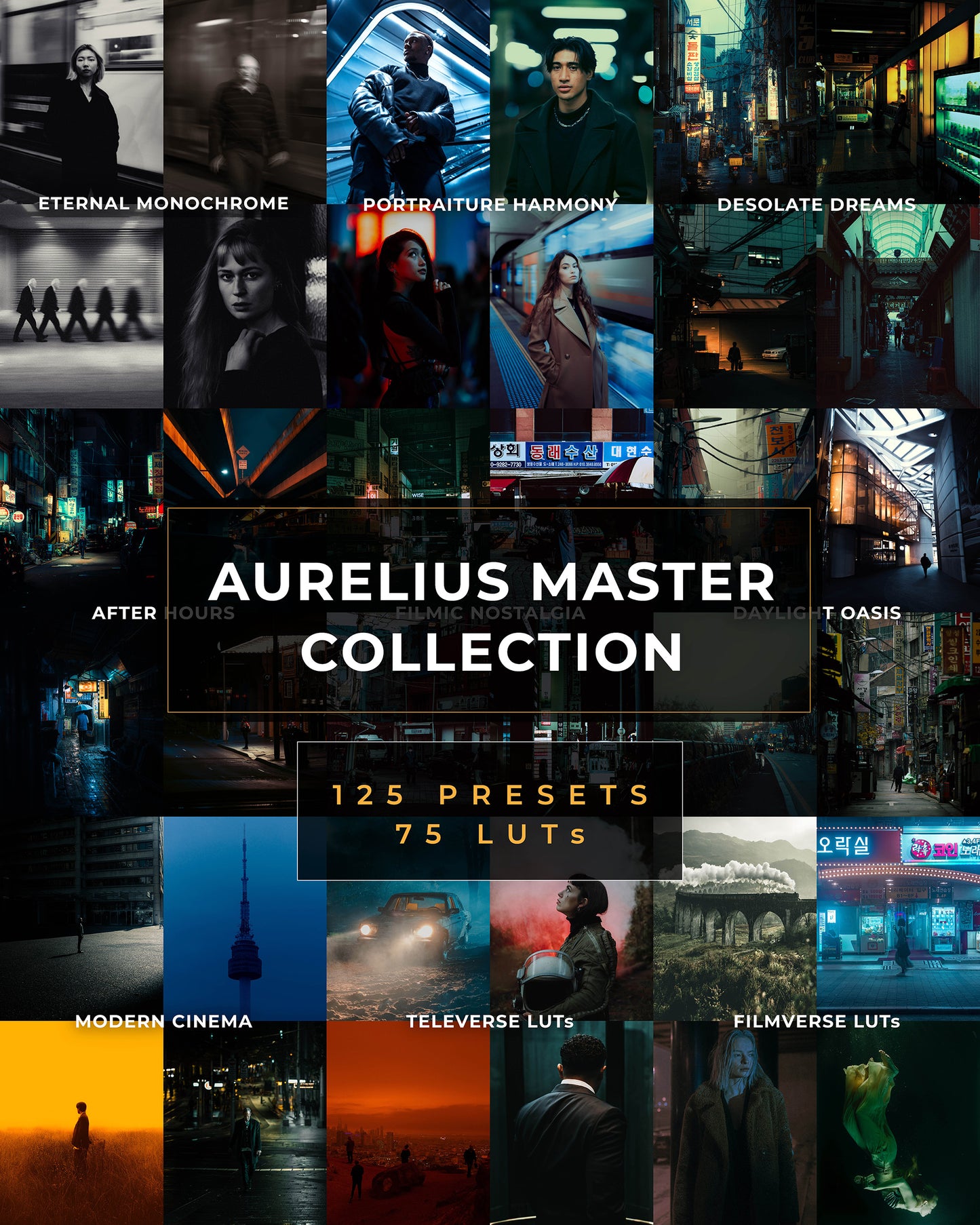
A few of the presets
The Presets
MODERN CINEMA
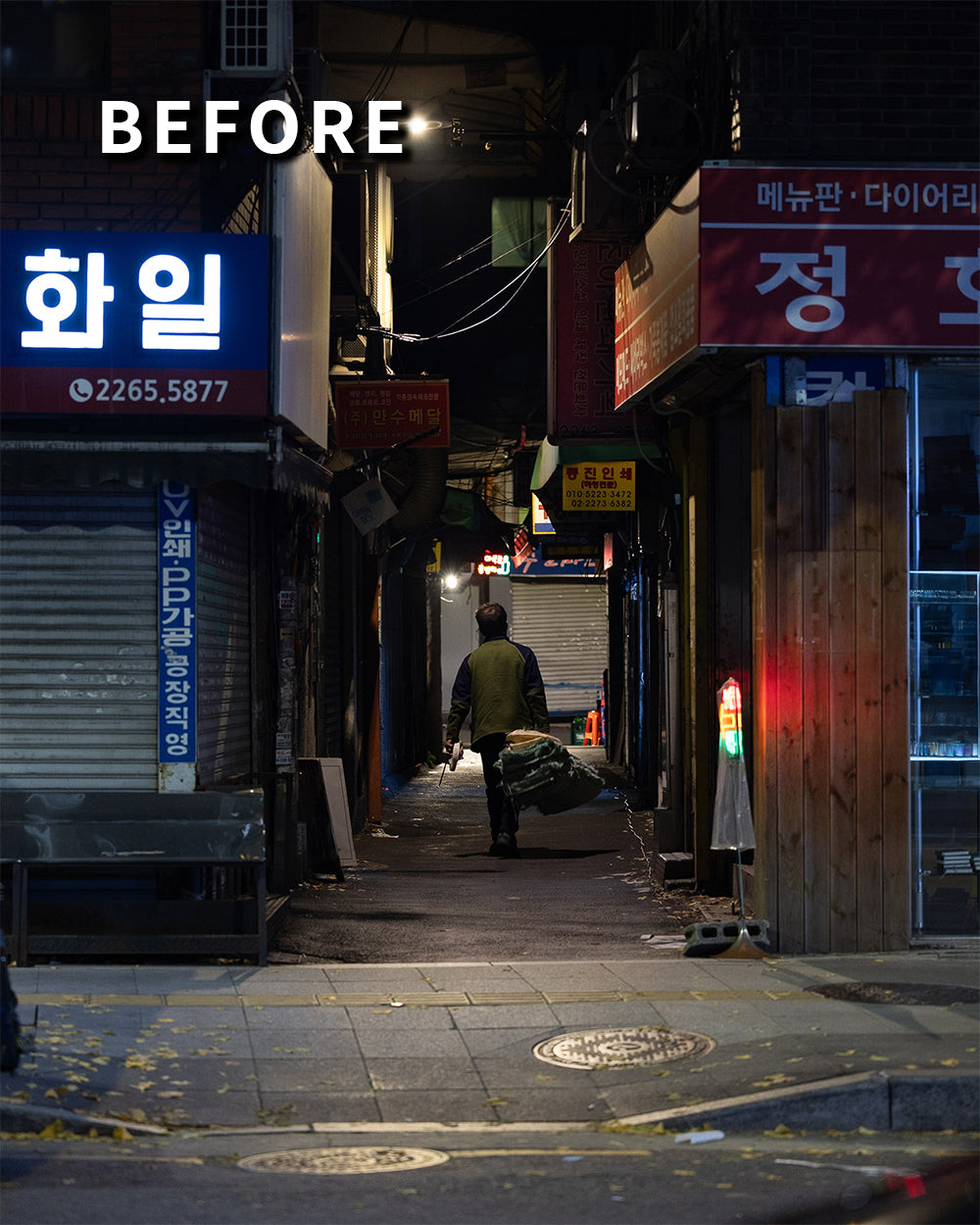
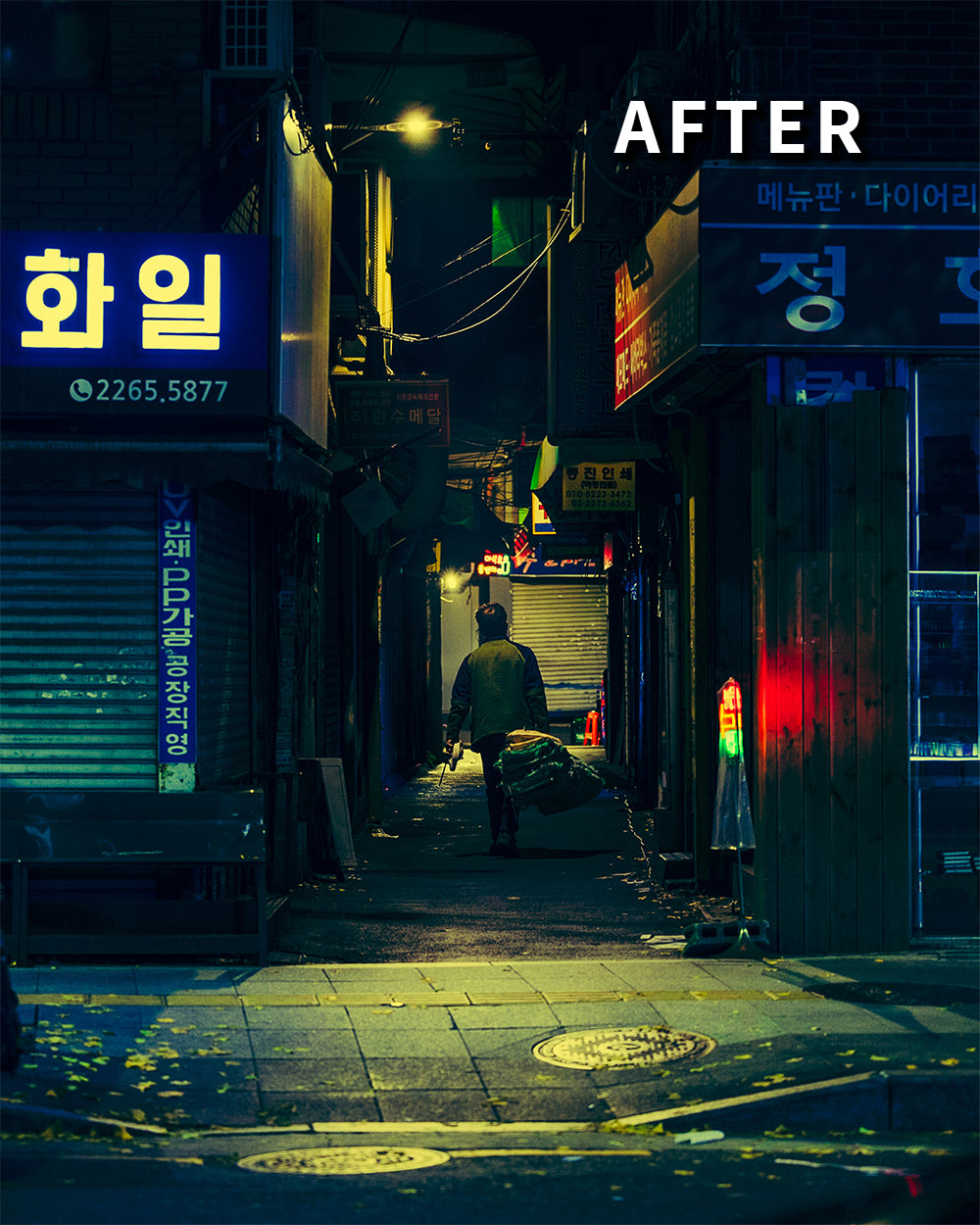
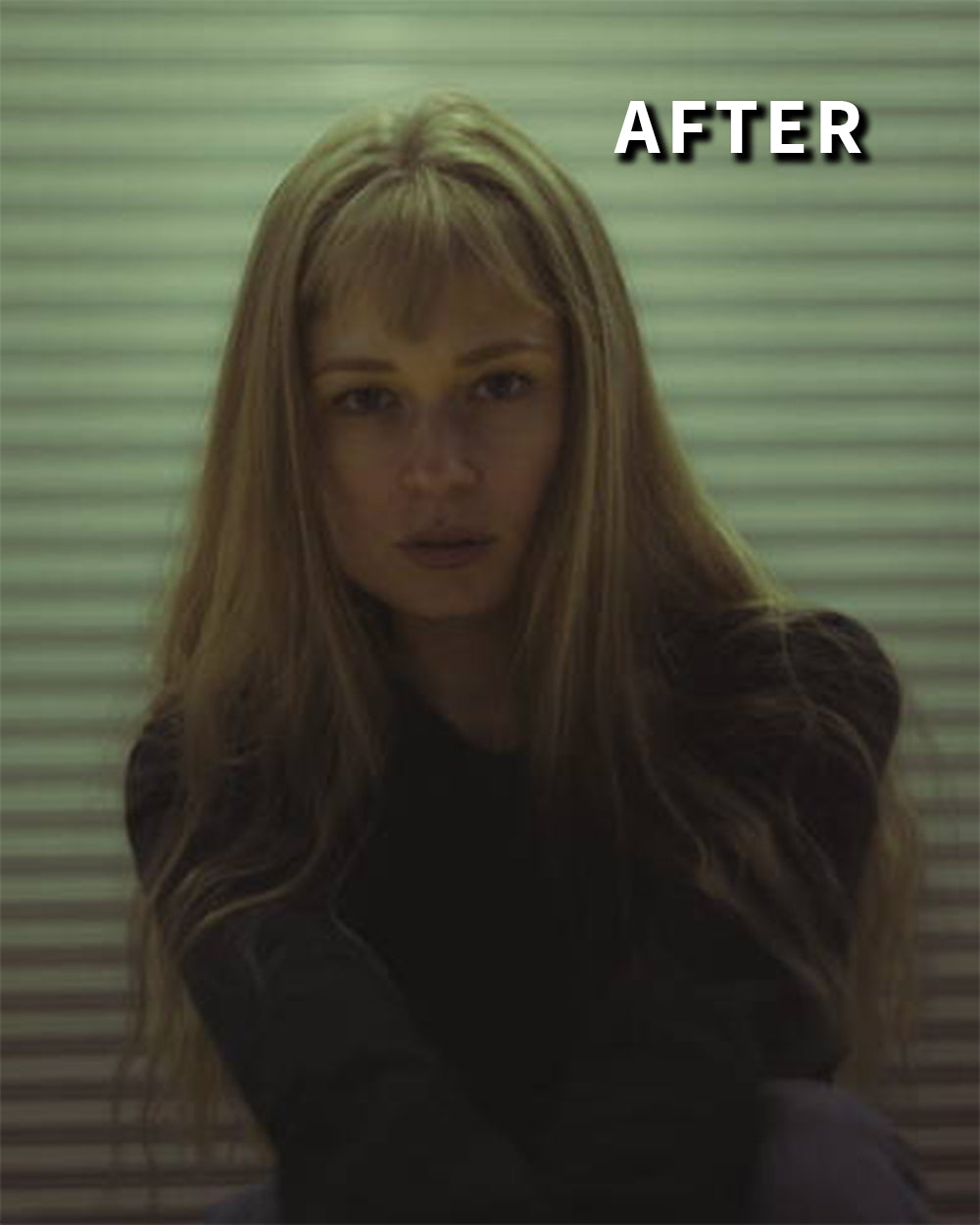
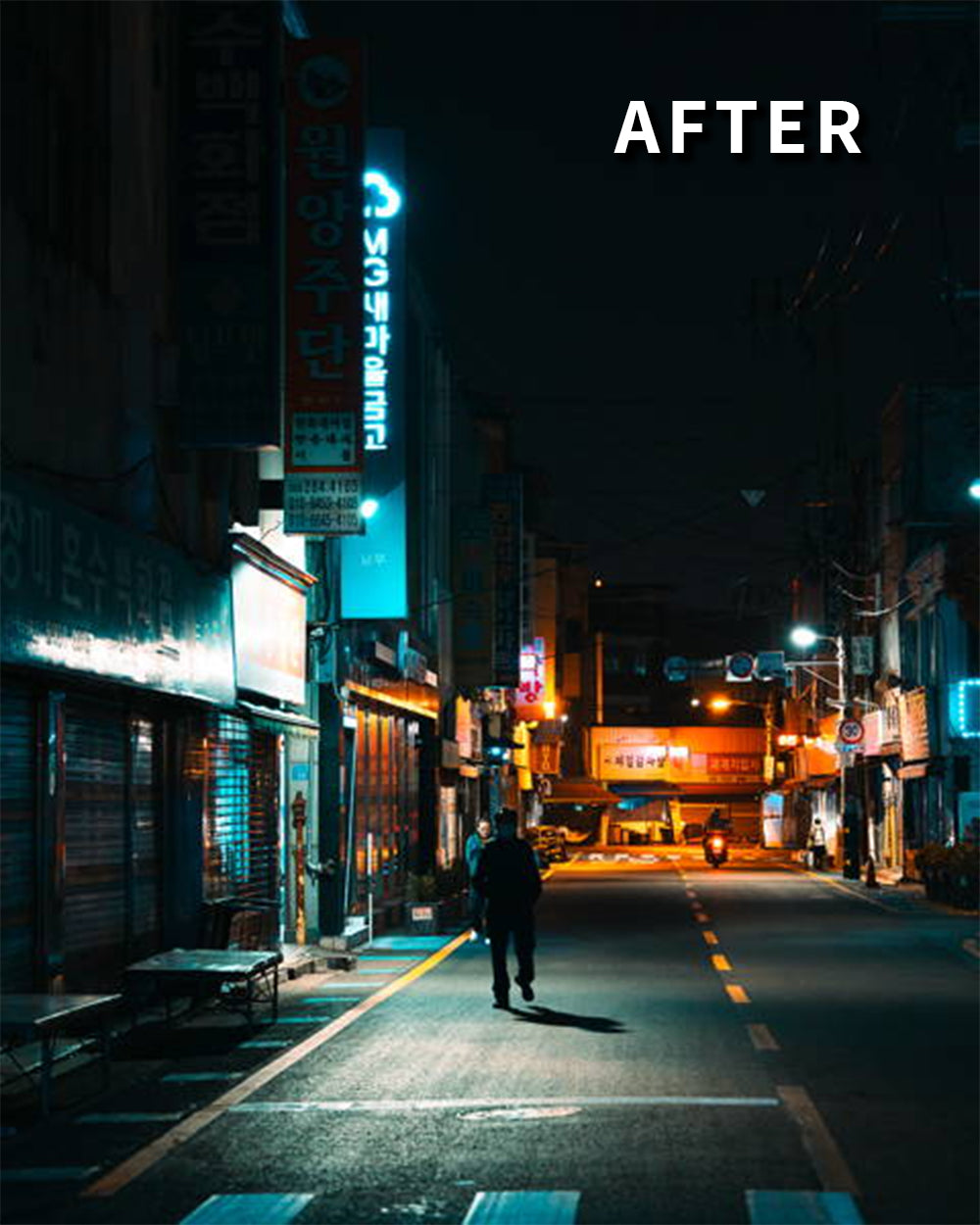
AFTER HOURS
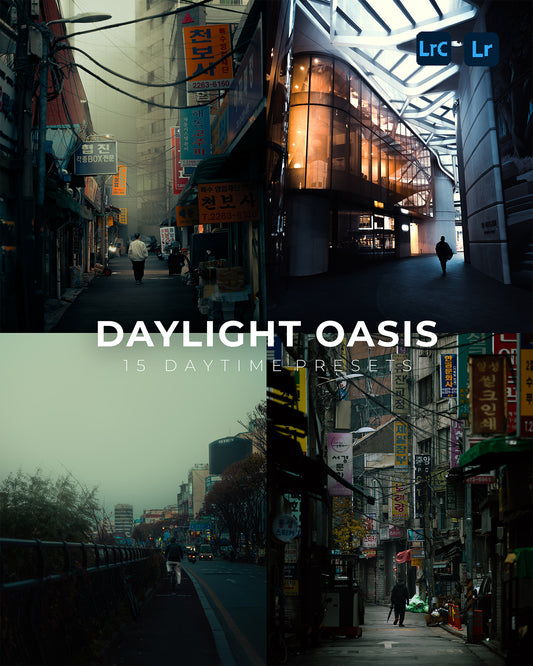
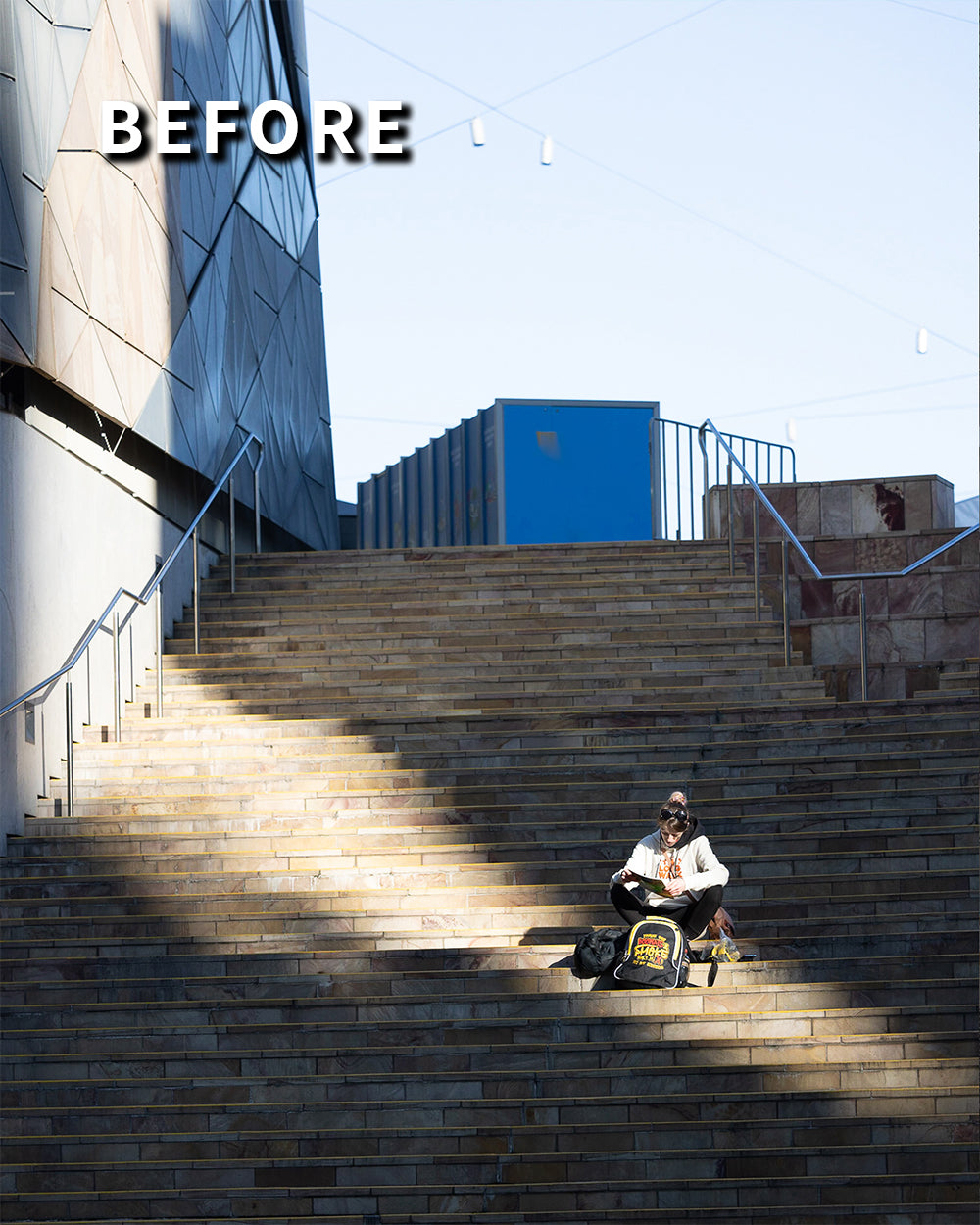
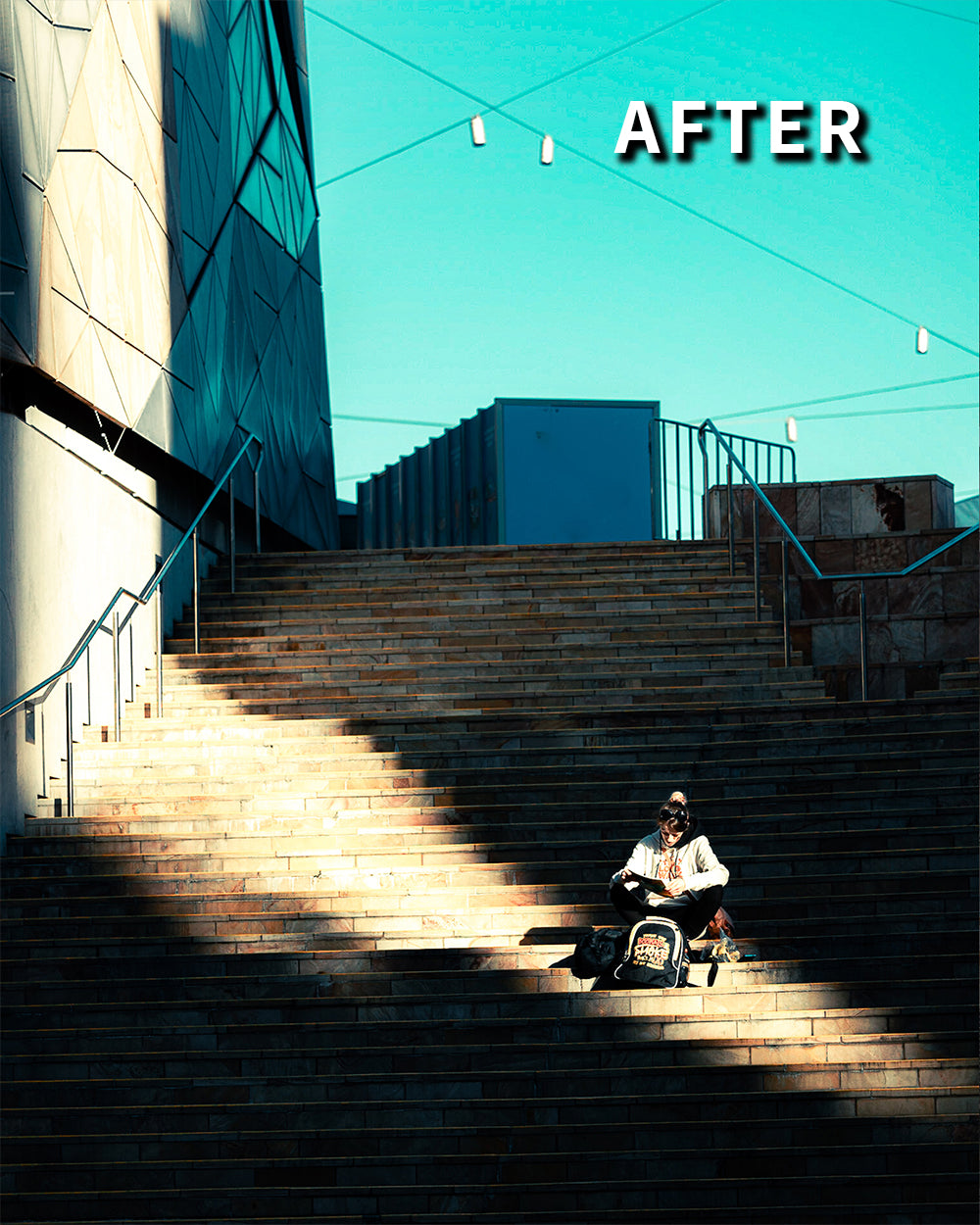
DAYLIGHT OASIS
DESOLATE DREAMS

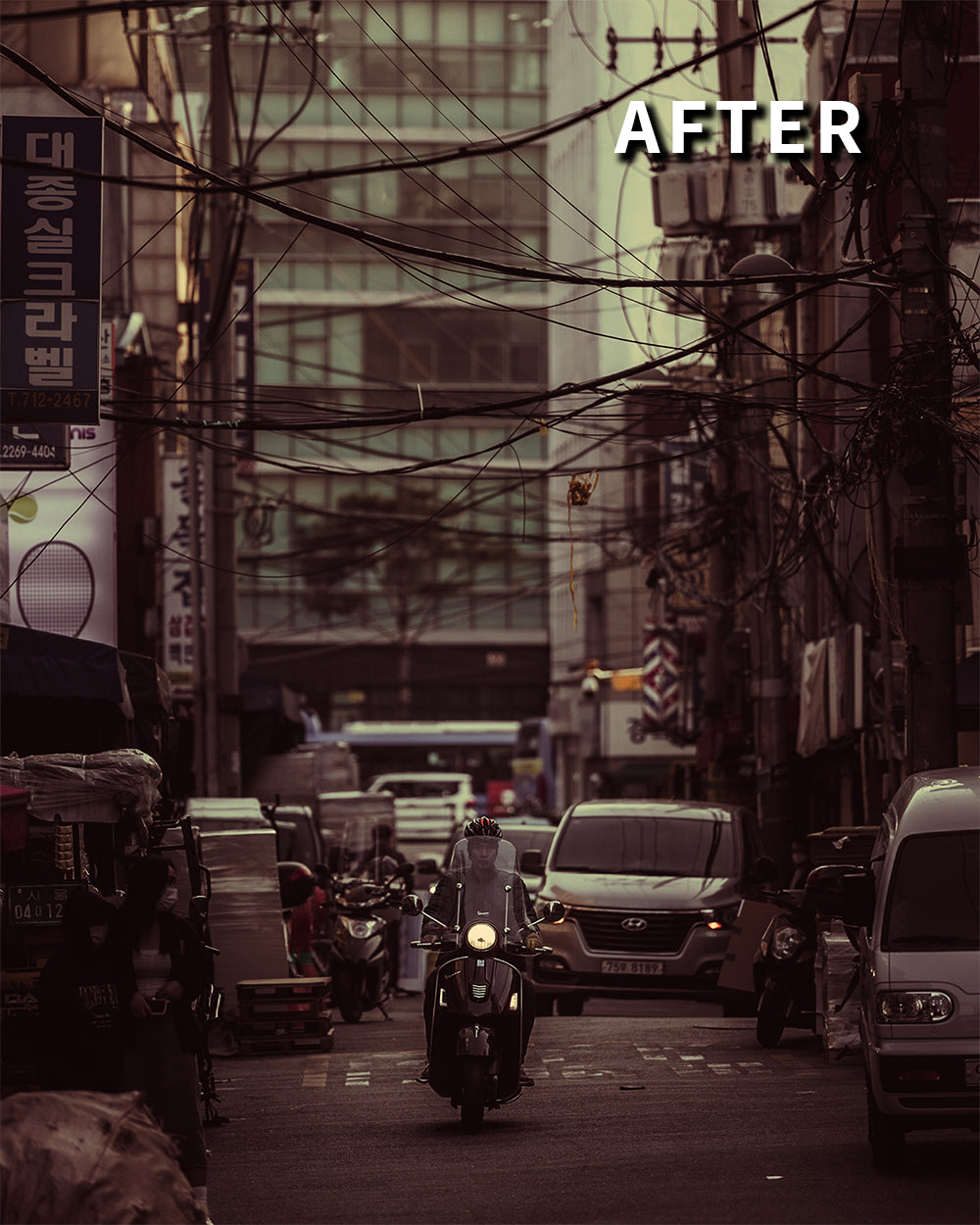
FILMIC NOSTALGIA
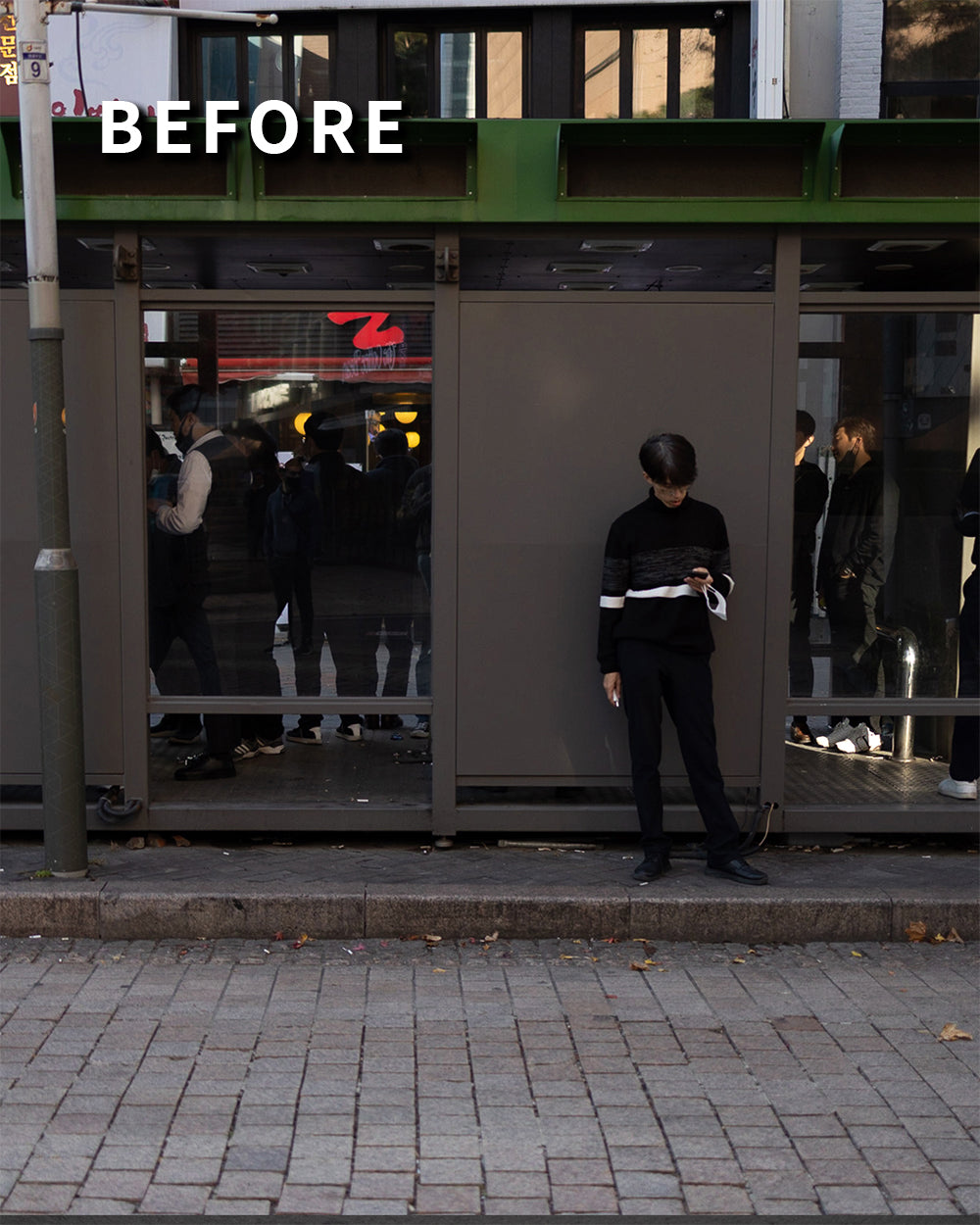
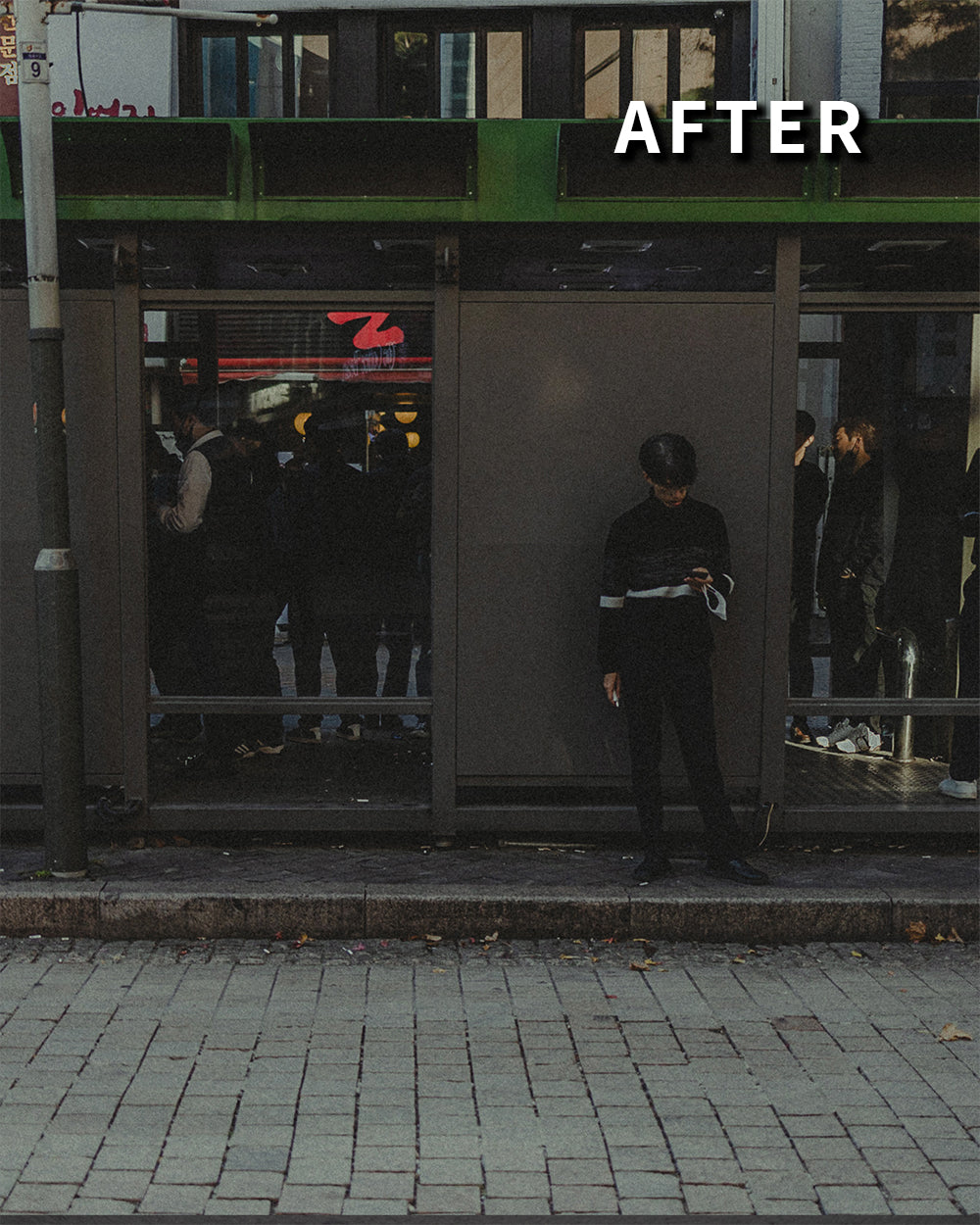
PORTRAITURE HARMONY
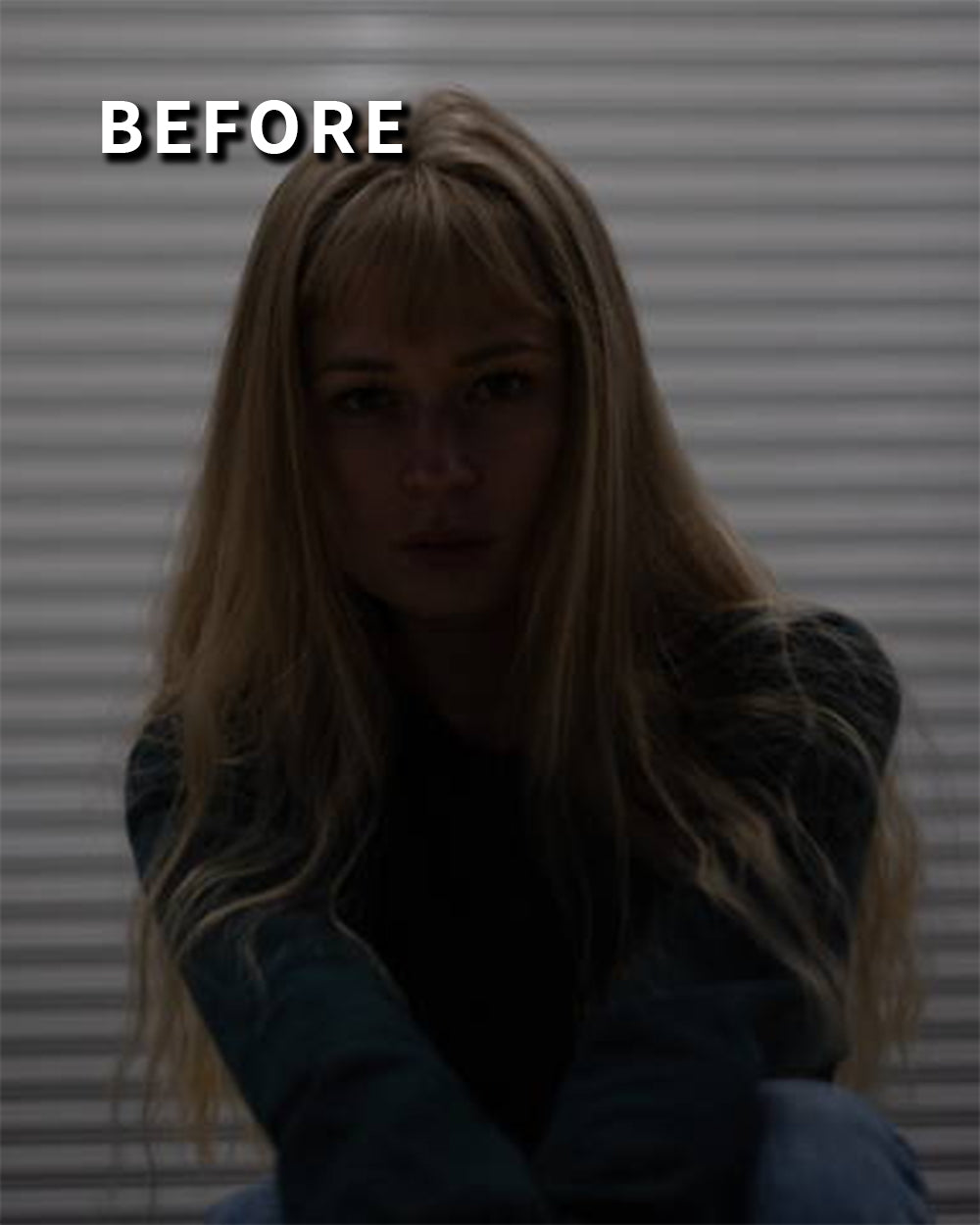
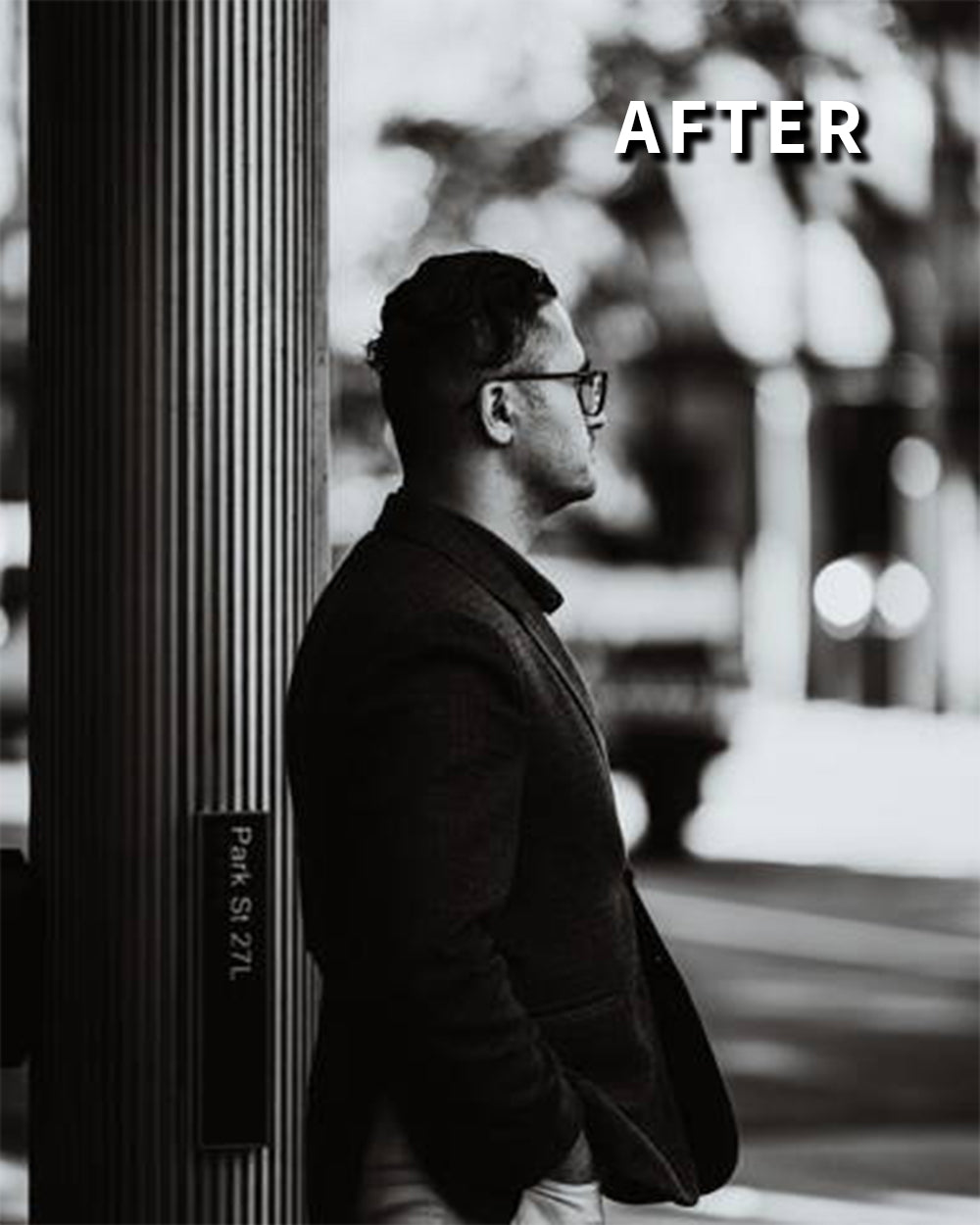
ETERNAL MONOCHROME
CORE FUNDAMENTALS
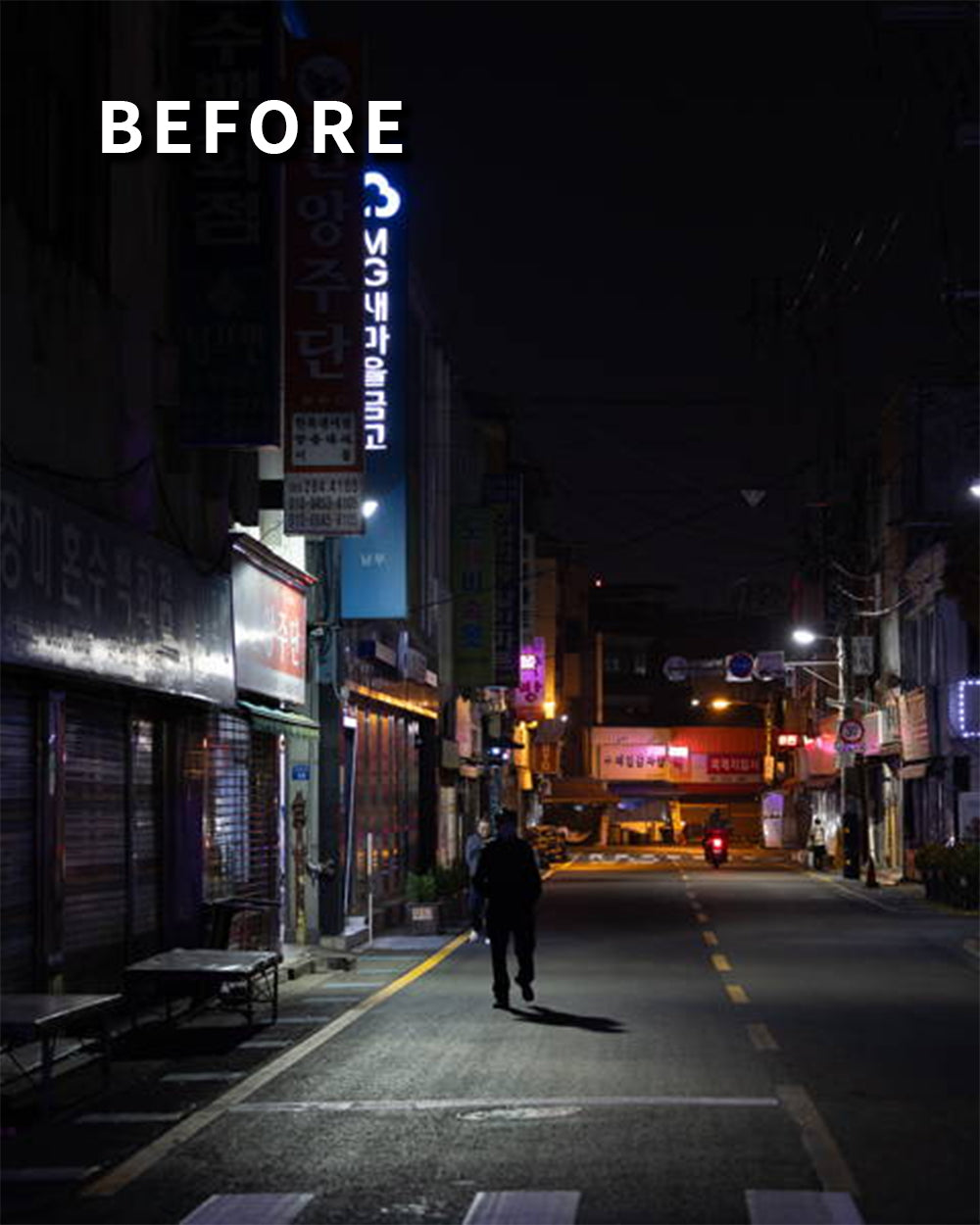
MODERN CINEMA
AFTER HOURS
DAYLIGHT OASIS
DESOLATE DREAMS
FILMIC NOSTALGIA
PORTRAITURE HARMONY
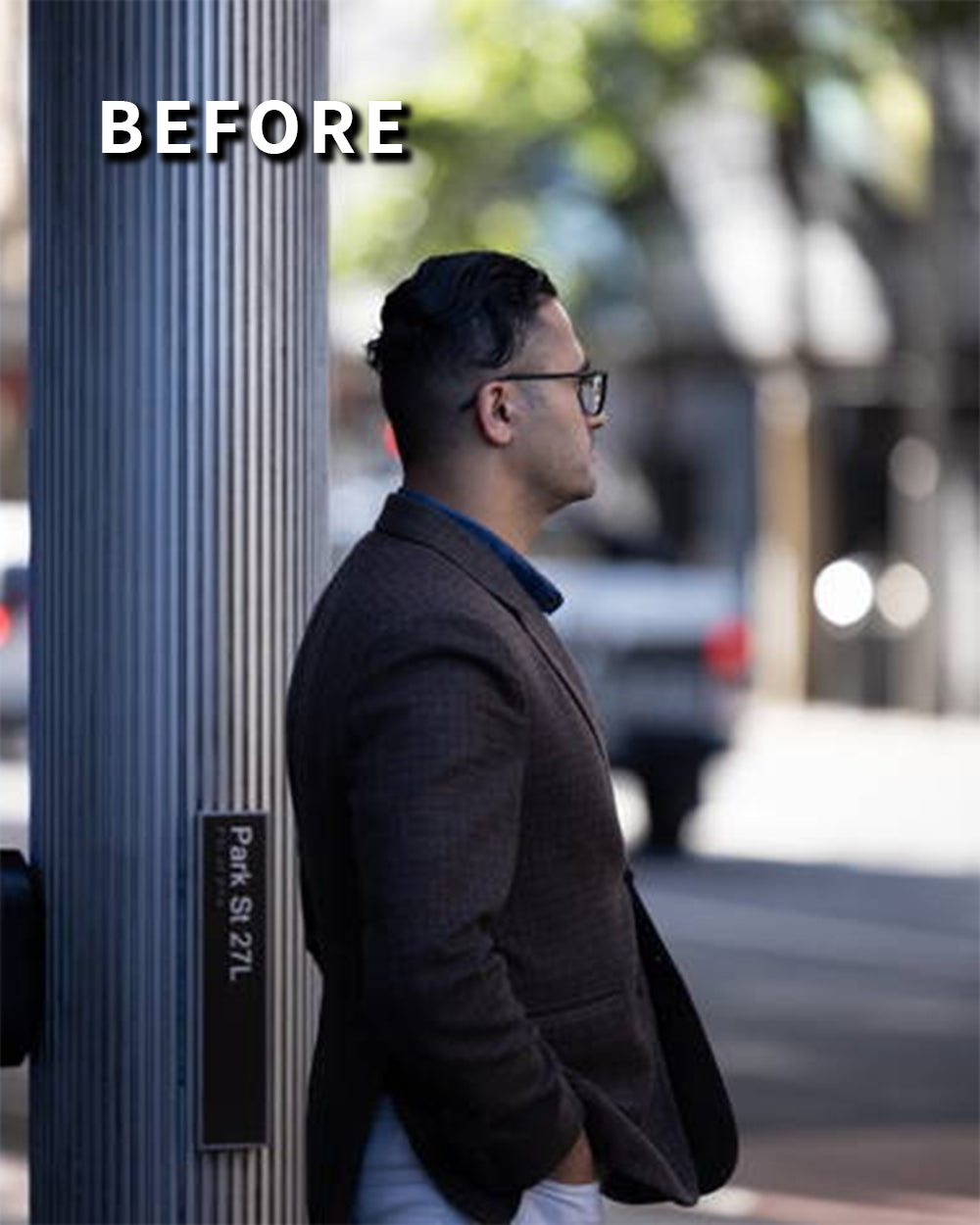
ETERNAL MONOCHROME
CORE FUNDAMENTALS
FAQs
What are LUTs?
What are LUTs?
LUTs (or Look-Up Tables) are a powerful tool for color grading in video production. They allow you to apply already configured color grades with just one click, achieving a specific look or style.
LUTs are a convenient and efficient way to achieve consistent and professional-looking color grading, and they can be easily applied using most video editing software programs.
What programs are compatible with LUTs?
What programs are compatible with LUTs?
Most professional video editing software and some photo editing software support LUTs.
These include Adobe Premiere Pro, Adobe Premier Rush, Final Cut X, DaVinci Resolve,
CapCut for Desktop, Photoshop, and any other software that utilises 3D LUTs (.cubefiles).
These LUTs are NOT compatible with Lightroom CC, Classic or Mobile.
Do the LUTs work on mobile?
Do the LUTs work on mobile?
Yes. Our LUTs come in .cube format, which is supported by most mobile video editing apps such as VN, inShot and LumaFusion. Please check whether your specific video editing app can import .cube files before purchasing.
These LUTs are NOT compatible with Lightroom Mobile.
How do I use LUTs?
How do I use LUTs?
You will have received a set of instructions (PDF) with your purchase which will explain how to import your LUTs.
What color space are your LUTs best suited for?
What color space are your LUTs best suited for?
Our LUTs work best with Rec. 709 footage. If you shot your footage in LOG, be sure to convert it using your camera provider's free conversion LUT, or the conversion LUTs built into your editing software.
When will I receive the LUTs after purchasing them?
When will I receive the LUTs after purchasing them?
Instantly! Once purchased, you will be redirected to a page with a download link.
Do I need a Lightroom subscription to use these presets?
Do I need a Lightroom subscription to use these presets?
You can use these presets for free on Lightroom Mobile. You will need an Adobe subscription in order to use these presets for Lightroom Classic and Lightroom CC.
Do these presets work on many types of photography?
Do these presets work on many types of photography?
Yes! These presets are versatile and adaptable for different photography genres. I have used these presets for landscapes, portraits, photojournalism, astrophotography and many more types of photography!
Will these presets affect the quality of my photos?
Will these presets affect the quality of my photos?
These presets are designed to enhance the quality of your photos without causing significant degradation, and are 100% compatible with major camera brand RAW files.
Do you use these yourself?
Do you use these yourself?
I use my presets and LUTs all the time. I use them to start my initial editing process, and to fine-tune my edits to suit my needs.


Can't find your question? Email moses@mosesaurelius.com
-
Modern Cinema - 15 Cinematic Lightroom Presets
Regular price From $24.99Regular price From $24.99 Sale priceUnit price per$49.9950% -
Aurelius Presets Collection - 125 Presets
Regular price $74.99Regular price $74.99 Sale priceUnit price per$399.9981% -
Aurelius Master Collection - 200 LUTs & 125 Presets
Regular price $99.99Regular price $99.99 Sale priceUnit price per$399.9975% -
Daylight Oasis - 15 Daytime Lightroom Presets
Regular price From $24.99Regular price From $24.99 Sale priceUnit price per$49.9950%